Multimeter
The Essential Tool for Every Professional and DIYer
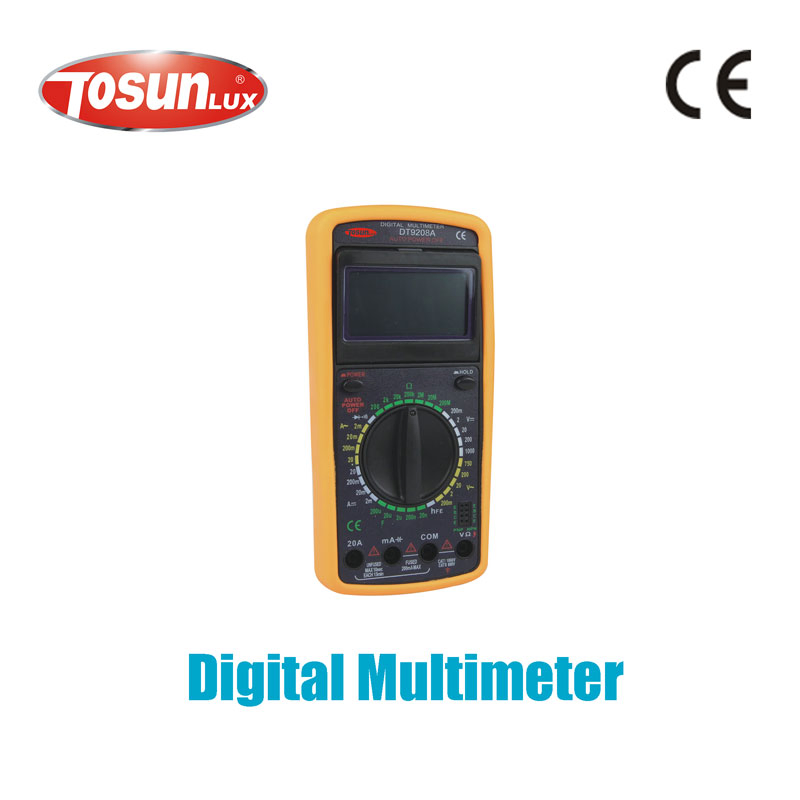
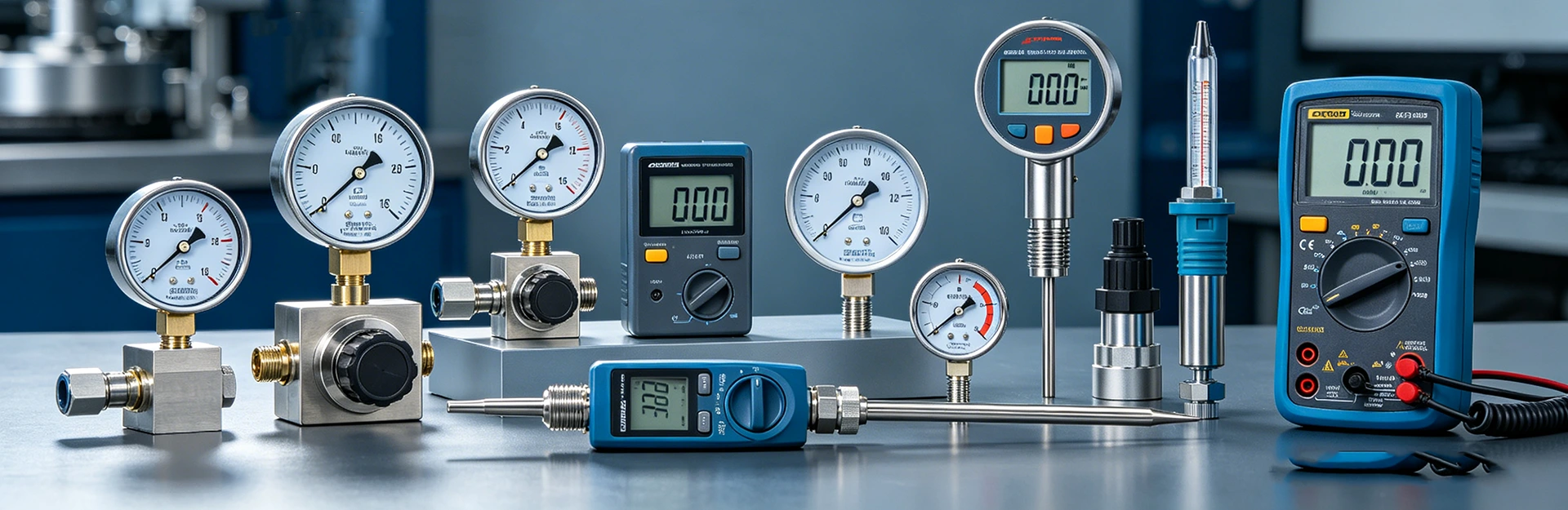
In the world of electrical work, electronics repair, and home maintenance, a multimeter is the undisputed workhorse. At its core, a multimeter is a versatile handheld device designed to measure multiple electrical properties—typically voltage (AC and DC), current, and resistance. Modern digital multimeters (DMMs) have evolved far beyond these basics, offering a suite of features that make diagnosing and troubleshooting circuits faster, safer, and more accurate than ever before. Whether you're a seasoned electrician, an automotive technician, a hobbyist building circuits, or a homeowner trying to fix a faulty outlet, understanding and owning a reliable multimeter is non-negotiable. It's the primary diagnostic tool that translates the invisible flow of electricity into understandable, actionable data.
Choosing the right multimeter, however, can be daunting. The market is flooded with options ranging from simple, budget-friendly models to sophisticated, professional-grade instruments. This is where instruments-meters.net steps in. We are committed to providing not only high-quality, durable multimeters but also the knowledge to use them effectively. This guide will delve into the critical parameters, features, and applications of multimeters, empowering you to make an informed decision for your specific needs.
Key Parameters and Features of a Professional Multimeter
To select the best multimeter, you must understand its specifications. Here are the most critical parameters explained:
1. Basic Measurement Capabilities
- DC Voltage: Measures the voltage of batteries, DC power supplies, and electronic circuits. Range is crucial (e.g., 200mV to 1000V).
- AC Voltage: Essential for household and industrial power outlets. True-RMS measurement is a key differentiator for accuracy on non-sinusoidal waveforms.
- DC/AC Current: Measures the flow of electrical current. Often requires breaking the circuit and placing the meter in series. High-current measurements may need a clamp accessory.
- Resistance (Ohms): Measures the resistance of components, checks for continuity (open/short circuits), and tests fuses.
- Capacitance: Measures the charge-storing capacity of capacitors, vital for electronics repair.
- Frequency & Duty Cycle: Measures the frequency of an AC signal and the on/off time ratio of a square wave, important for digital and motor control circuits.
- Temperature: Often available via a separate thermocouple probe.
- Diode Test: Checks the forward voltage drop of semiconductor diodes and transistors.
2. Accuracy and Resolution
Accuracy is expressed as a percentage of the reading plus a number of counts (e.g., ±(0.5% + 3)). Higher accuracy is critical for professional calibration and design work. Resolution refers to the smallest change the meter can detect, often related to the number of display digits (e.g., a 4½ digit meter can show up to 19999).
3. Safety Rating (CAT Rating)
This is arguably the most important safety feature. The IEC Category Rating (CAT I, II, III, IV) defines the maximum transient voltage (spike) the meter can withstand in a given electrical environment. For household and building wiring, a minimum of CAT III 600V is strongly recommended.
4. Build Quality and Additional Features
- Display: Backlit LCD for low-light conditions, bar graph for trending analog signals.
- Input Protection: Fuses for current inputs, high-energy varistors, and isolation against voltage spikes.
- Data Hold & Relative Mode: Freezes the display; subtracts a stored baseline value.
- Min/Max/Average Recording: Captures fluctuations over time.
- Bluetooth/USB Connectivity: Allows for data logging to a PC or smartphone app.
- Build: Rugged, drop-resistant casing with protective holster.
Technical Comparison: Popular Multimeter Models
To illustrate the differences, here is a comparison table of hypothetical multimeter models available at instruments-meters.net.
| Model | IM-101 Basic | IM-202 Pro | IM-505 Advanced |
|---|---|---|---|
| Best For | DIY, Students, Home Use | Electricians, HVAC Techs, Auto Repair | Electronics Engineers, Industrial Maintenance |
| Display | 3½ Digit (2000 count) | 4½ Digit (20000 count) with Bar Graph | 4½ Digit (50000 count) Dual Display, Backlit |
| Basic Accuracy (DC V) | ±(0.8% + 2) | ±(0.3% + 2) | ±(0.1% + 2) |
| Safety Rating | CAT II 600V | CAT III 1000V / CAT IV 600V | CAT III 1000V / CAT IV 600V |
| True-RMS | No | Yes | Yes |
| Capacitance Range | 10nF - 200µF | 1nF - 10mF | 0.1pF - 100mF |
| Frequency Measurement | No | Yes (5Hz - 50kHz) | Yes (0.1Hz - 10MHz) |
| Special Features | Continuity Buzzer, Diode Test | Min/Max, Data Hold, Temperature, Duty Cycle | Bluetooth Data Logging, Relative Mode, LoZ (Low Impedance) Voltage |
Multimeter FAQ: Your Questions Answered
Q: What is the difference between a True-RMS and an average-responding multimeter?
A: An average-responding meter assumes the measured AC waveform is a perfect sine wave and calculates the RMS (Root Mean Square) value based on that. A True-RMS meter measures the actual heating effect of any waveform (square, sawtooth, distorted sine) and provides the correct RMS value. For accurate readings on modern circuits with variable-speed drives, dimmers, or computers, a True-RMS meter from instruments-meters.net is essential.
Q: Why is the CAT safety rating so important?
A: Electrical transients (sudden voltage spikes) are common in wired environments. A CAT rating certifies that the multimeter's internal components and insulation are designed to safely withstand a specified level of transient energy for a given location (e.g., CAT III for building distribution circuits). Using a meter with an insufficient CAT rating on a high-energy circuit can result in a dangerous arc flash explosion. Always choose a meter with a CAT rating appropriate for the highest energy environment you work in.
Q: Can I measure current without breaking the circuit?
A: Yes, but not with the standard test lead ports. To measure current without breaking the circuit, you need a clamp meter attachment or a dedicated clamp meter. These devices measure the magnetic field around a conductor. Some advanced multimeters from instruments-meters.net are compatible with AC/DC current clamp accessories, combining the functionality of both tools.
Q: What does "count" mean in a multimeter's display specification?
A: The "count" refers to the maximum number the display can show before it overranges. A "2000 count" meter can display up to 1999 on its screen. A "20000 count" meter can show 19999. More counts provide better resolution at the lower end of a range. For example, on a 200V range, a 2000-count meter can resolve 0.1V, while a 20000-count meter can resolve 0.01V.
Q: How often should I calibrate my multimeter?
A: Calibration frequency depends on usage, environment, and required accuracy. For critical safety or compliance work, annual calibration is standard. For general professional use, every 1-2 years is recommended. For hobbyists, it may be less frequent, but you should check the meter against a known reference periodically. instruments-meters.net offers calibration services and advice for all the instruments we sell.
Q: What is the "LoZ" or Low Impedance voltage mode used for?
A: Standard digital multimeters have a very high input impedance (10MΩ+), which can lead to "ghost voltage" readings on de-energized circuits due to capacitive coupling. LoZ mode lowers the input impedance, effectively loading the circuit and bleeding off these phantom voltages. This mode, found on some of our professional models, is invaluable for safely confirming the absence of voltage before working on a circuit.
Q: My multimeter shows "OL" on the screen. What does that mean?
A: "OL" stands for Overload or Open Loop. In resistance or continuity mode, it means the resistance is higher than the selected range can measure (an open circuit). In voltage or current mode, it means the measured value exceeds the selected range. You should select a higher range. If "OL" appears on all ranges, the input may be damaged.
- View as